
Author: Mandi Ehman

  • How to Conduct an Effective Project Retrospective

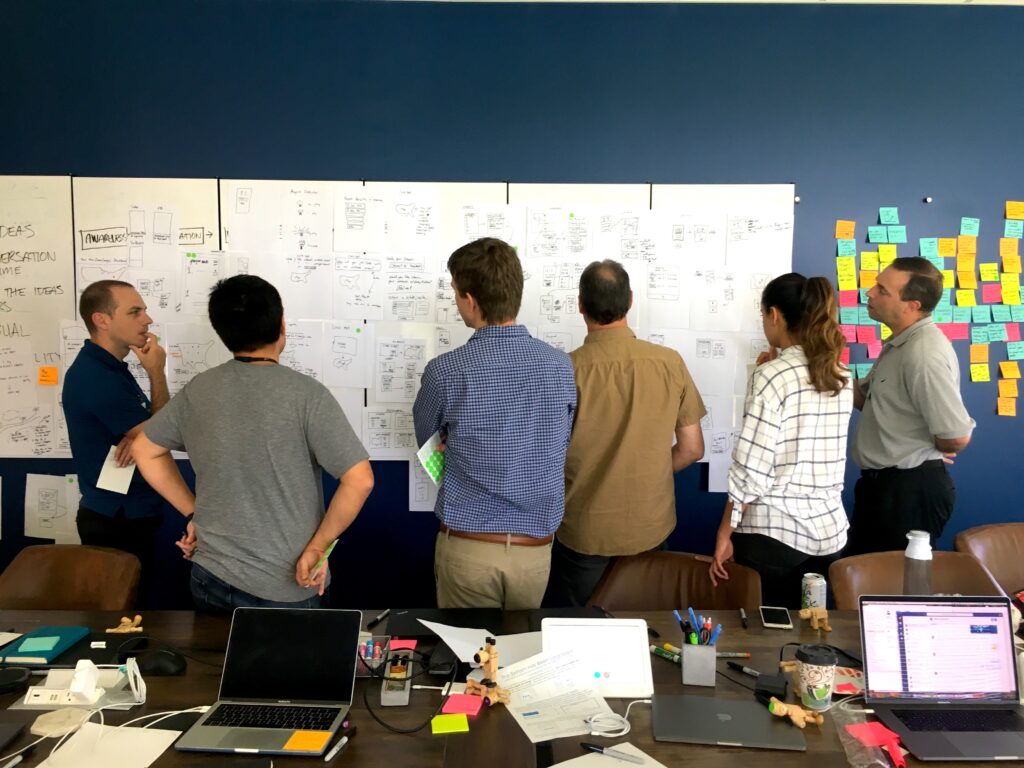
    The Agathon team sits around a conference room table for a project retrospective

    When a big project finishes, it’s easy to get caught up in what comes next, quickly shifting gears to focus on the next project. But there’s a cost to doing that too quickly without taking the time to look back at the work you’ve just completed. A project retrospective is an opportunity to discuss what worked, what didn’t, and where improvements can be made.

    Under the agile approach to development, retrospectives are often done weekly or at the end of each sprint. However, we’ve found that meeting as a team at major milestones or the end of each project can be especially valuable. The frequency of retrospectives may vary depending on how your team works, but the value of them remains the same.

    If I have seen a little further it is by standing on the shoulders of Giants.

    Isaac Newton

    To be clear, Agathon didn’t invent the retrospective; however, we’ve adapted this process over time to fit our team as well as the values and needs of the mission-based clients with whom we work. We use this process to celebrate wins and examine where things didn’t go as expected, all with the goal of growing and improving as we move forward.

    We do both internal retrospectives and retrospectives with the client, although rarely both for the same project. It depends on what’s needed most. Internal retrospectives tend to be very tactical, talking about the tools we used or how we divided up tasks. Client retrospectives often discuss process and communication issues. Everything below applies to both types.

    A photo taken in the side mirror of a vehicle, capturing the road, cars, and mountains in the rear

    The value of a project retrospective

    Retrospectives help you answer the question, “What should we learn from this project that we might otherwise forget?” in a number of ways:

    1. Record the things that went well

    Whether a project was a slam dunk or you seemed to encounter challenge after challenge, it’s important to take a moment to identify and record the things that went well. Did your team pivot quickly in the face of new information? Were you able to implement a new procedure that will benefit future projects? These wins are worth noting and celebrating.

    2. Capture the things that didn’t go as well as hoped

    Just as it’s important to capture the things that did go well in the midst of a challenging project, it’s essential to identify the things that didn’t go as well, even if the overall project was a success. In fact, many of your action items (see the third “ingredient” below) will come out of this category. The retrospective provides an opportunity for you to pause and really think about how those challenges can be avoided or overcome in the future.

    3. Examine the things that are still puzzles

    Was there something that didn’t feel like it went smoothly even though objectively it was a success? Are there areas where your team continues to struggle but hasn’t yet come up with a solution? Talking through these things as a team with the project fresh on your mind can help you work toward a solution.

    4. Provide an opportunity to stop and celebrate successes

    A retrospective is a way to stop and acknowledge the completion of a project. It’s also a way to say thank you to the team members who have worked hard to get it to that point. The team as a whole should be celebrated, as should individual team members who demonstrated leadership, perseverance, or creative problem solving.

    5. Reinforces a culture of continuous improvement

    A culture of continuous improvement is one where everyone is looking for ways to work more efficiently, improve processes, and reduce errors. It’s one thing to say you’re committed to this type of culture, but a project retrospective reinforces that commitment by setting aside time to have these conversations and create action items for the future.

    Without a structured project retrospective, the team misses out on the chance to identify both successes and failures and, in turn, the opportunity to grow. Individual team members also miss out on the chance to step back and see the bigger picture of the overall project and evaluate their work within that context.

    [contentupgrade id=”2456″]

    The ingredients of a successful project retrospective

    Running a successful project retrospective requires a commitment from the team. Over time, we have found that these key ingredients bring good ideas to the surface, encourage continued growth as a project team, and set future projects up for success:

    1. A willingness to be honest

    For a retrospective to truly bring value to your team, everyone has to come to the table ready to honestly assess and share both their successes and failures. Just as importantly, each team member must be willing to offer constructive feedback to one another.

    To facilitate a culture that allows for this level of honesty and transparency, there must be trust among the team. We invoke the “cone of silence” during retrospectives, assuring each person that as we process through our thoughts, they can share freely and honestly without blame or consequence.

    2. An opportunity for everyone to share their thoughts

    It can take time for individuals to process their thoughts about how the project went. However, it’s imperative that every team member contributes during the retrospective. Providing notice ahead of time allows each team member to prepare. The moderator then takes responsibility for encouraging everyone to share their thoughts, even if they’re reluctant to speak up.

    A group sits around a conference table with laptops and tablets

    3. A time for creating action items

    Without action items, a retrospective simply becomes another meeting. Pausing to celebrate the completion of a project and the things that went well is encouraging for the entire team and shouldn’t be neglected. But there’s also a practical, operational value that comes from the action items you create at the end of the retrospective.

    As with goal setting, the action items you set should be small, defined, and measurable; they should be able to be checked off when done. Because a project retrospective is done at the end of a project, most of the action items will apply to future projects. Examples might include:

    • Meet every Monday for 15 minutes to review XYZ.
    • Create an accessibility checklist to follow.
    • Schedule meeting to review status of stories.

    4. A template to follow to make sure the right questions are asked.

    Following a template helps the moderator keep the retrospective focused and moving forward so you can get to the point of creating action items. We’ve been using the same basic template for many years now, with only small tweaks as we’ve learned how to tease out insights. That consistency means everyone knows what to expect during the retrospective, which removes any nervousness around the process itself and allows everyone to focus on contributing.


    Taking the time to look back and identify things that have gone well as well as areas where we’ve struggled is an important part of growing as individuals and as a team. Project retrospectives provide the framework for us to do that in a safe, structured environment.
  • What COVID Means for the Future of Ministry

    What COVID Means for the Future of Ministry

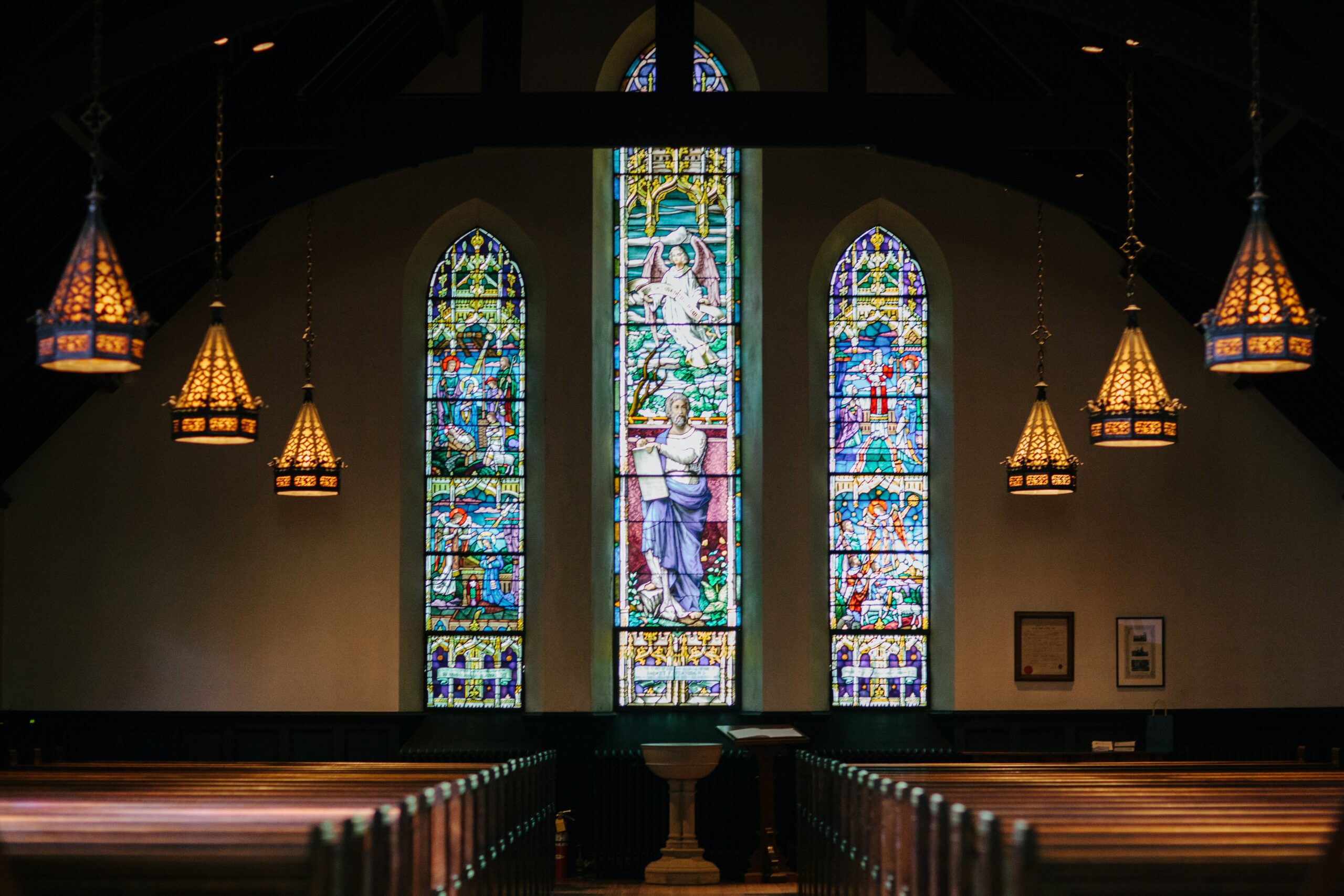
    A photo inside an empty church with beautiful stained glass windows

    A year ago, COVID-19 was declared a worldwide pandemic. Schools, churches, and other organizations were shut down. Work moved online. And life as we knew it changed drastically.

    At the time, most of us thought we were looking at a few weeks—possibly a couple of months—of these shutdowns. As it became clear they would last much longer, churches and ministries realized they needed to adjust their approach. They needed to innovate in order to continue to advance their mission.

    Some did this quickly, moving services, small groups, and other initiatives online. Others took a little bit longer but eventually made the same changes.

    We’re starting to see some things return to normal in 2021. But technology has been changing our culture for many years—the pandemic simply accelerated those changes—and the trends we’ve seen over the past year will undoubtedly continue to impact your ministry moving forward.

    Let’s look at some of those trends and the lessons they hold for churches and ministries in the future.

    COVID-19 Presented Challenges for Ministries

    And let us consider how to stir up one another to love and good works, not neglecting to meet together, as is the habit of some, but encouraging one another, and all the more as you see the Day drawing near.

    Hebrews 10:24-25 (ESV)

    Ministry is relational and traditionally happens face-to-face: Missionaries live and work among the communities they serve. Churches meet together for worship and prayer and fellowship. Faith is strengthened through relationship with other believers.

    When state and local governments responded to the pandemic with limits on in-person gatherings—and many individuals and families chose to stay home—it impacted ministries of all shapes and sizes. They had to figure out what connection and service might look like without being able to gather physically in the same space.

    Similarly, and perhaps even more urgently, organizations had to adjust abruptly to the need to work remotely. Like for-profit companies, they had to navigate the waters around remote communication, video meetings, and working with kids underfoot.

    When your staff is suddenly working remotely, your in-person conferences have been canceled, and gatherings are limited to a handful of people, how do you stay connected? How do you fuel genuine relationships without face-to-face interaction? How do you keep people from slipping through the cracks?

    Churches, ministries, and other nonprofit organizations faced these challenges and more throughout 2020.

    A photo of a laptop screen with a Zoom call open

    But It Also Presented Opportunities

    While it’s easy to focus on the restrictions and challenges around COVID-19, these also presented opportunities. Internally, we often say “constraints fuel creativity.” With the disruption of all that was familiar, and a limited number of options remaining, organizations were forced to think outside of the box. They needed to innovate to continue connecting with their staff, their donors, and the individuals they serve.

    Live streaming

    Live streaming is not a new concept, and many churches were already streaming their services online before the pandemic. But stay-at-home orders meant more people were looking for an online service to attend each weekend.

    In fact, in the early days of the pandemic especially, we knew people who listened to multiple services or “visited” new churches each week. We’ve seen churches cite online attendance stats that outpace what they saw during in-person services pre-pandemic. And churches have had a unique opportunity to reach individuals and families who were not comfortable visiting church in-person or who lived well outside of their geographic area.

    In a season of uncertainty, fear, and loneliness, the availability of online teaching and worship presented a beacon of hope for many people.

    Small group gatherings

    Campus ministries like InterVarsity and Cru suddenly saw all their students sent home for online learning, disrupting their small groups and Bible studies mid-semester.

    The restrictions didn’t just impact campus ministries, though. Bible Study Fellowship had been reluctant to embrace an online platform, focusing their ministry on in-person gatherings instead. But they found themselves needing to pivot in March of 2020 to move their classes online. This allowed them to finish out the 2019-2020 year online. It also provided an opportunity for groups to meet in-person or online for the 2020-2021 year, depending on local restrictions.

    Along with just about every other organization in the world, small groups, Bible studies, youth group, and more moved to platforms like Zoom. While no one would claim it was ideal as the sole mode of communication, it provided a way for these groups to continue to meet “face-to-face” at a time when people needed connection and encouragement most.

    Online events

    Conferences such as Bayside Church’s Thrive Leadership Conference went virtual in the summer of 2020. Organizers recorded sessions via Zoom and uploaded those for participants to enjoy at home or in small group settings.

    On the other hand, If:Gathering has always been a virtual event, encouraging women to gather groups of friends in their homes or churches to watch the livestream together. Last month, If:Gathering 2021 continued much the same as it always has, with more of a focus on individual viewers. With a strong social media presence to enhance individual online viewing, they’re clearly leading the way in this type of event.

    More robust digital communication

    Facebook groups, email newsletters, and text updates aren’t new. But the pandemic provided the impetus many churches and organizations needed to adopt these tools “now” rather than “someday.”

    With the limitations introduced by COVID-19, many organizations moved their communication away from paper bulletins and bulk mailing to digital communication instead. Email, social media, and text can help churches and ministries connect with congregants and donors in real time, across geography, and with more personalization.

    Online giving

    In March and April of last year, churches and ministries saw a sharp drop in giving. Based on trends we’ve seen during previous economic downturns, many organizations prepared for the worst. Surprisingly, by June, giving had returned to its previous level or increased for two-thirds of all churches and ministries. This giving was fueled by the ease of digital giving, the growing needs in our communities, and stimulus checks.

    A photo of a young man with sleeve tattoos looking thoughtfully at his phone

    What This Means for You Moving Forward

    As life continues to return to normal, your organization will have to figure out which of these tools and strategies will remain part of your ministry toolbox and which will be discarded as you return to more traditional approaches. These things aren’t going to stop being important, even once things return to normal. COVID shone a light on the role of digital ministry within your broader mission.

    Using digital media to enhance in-person events

    Incorporating digital resources into physical events is not new. EveryCampus launched an online app as part of their campaign to cover every campus in the U.S. in prayer. The app included a digital guide participants could use while they prayer walked their way around campus. (In 2020, they shifted to digital prayer walks.)

    Churches and other ministries can enhance in-person events with technology. This includes things like incorporating church prayer chains into your mobile app, setting up digital kiosks in place of weekly bulletins, or connecting with conference attendees on social media. Facebook groups, weekly newsletters, and video messages are all ways your organization can use digital communication to strengthen relationships.

    Meeting people where they’re at

    Many church communities are anxious to return to in-person services. At the same time they’re also juggling concerns about the risks presented by these gatherings. And the newly developed online communities still provide a valuable avenue to ministry.

    For those who are not able to return to in-person service (for myriad reasons, whether it’s concerns about COVID or being otherwise housebound), virtual services with online chat options have provided a way for them to stay connected to their congregation on Sundays.

    And still other churches have built thriving digital ministries. Restore Community Church in Kansas City is an example of this. Seeing the fruit from their online services, they recently hired a digital pastor to continue to lead this area of ministry even as they return to in-person services

    Don’t forget accessibility

    In the early days of the pandemic, your first priority may have simply been getting things online. Accessibility might not have been on your radar as you scrambled to get something in place. But, there’s no excuse for overlooking accessibility concerns at this stage. At its core, paying attention to accessibility is a way to care for people. It doesn’t just benefit those with disabilities or unique needs; accessibility makes the internet better as a whole.

    Online giving is a necessity

    In 2021, there’s no reason your church or organization shouldn’t be able to accept credit cards through your website, app, or even text. This means making the process easy and seamless and offering a full range of transactions such as automatic recurring donations. While the idea seemed foreign 15-20 years ago, digital transactions have become a normal way of life thanks to apps like Venmo, CashApp, and Zelle. Supporters expect the same ease of giving for their tithes and donations.


    We continue to look forward to the day that life returns to normal. But even as that happens, digital engagement is only going to get more important. 2020 was a year of connecting with friends, family, and organizations using digital tools. Those same tools and strategies can continue to enhance in-person interactions. Now’s the time to take all you’ve learned this past year and build on it to create a well-rounded, robust ministry in the future!

  • What Your Ministry Needs to Know About Leveraging User Research Data

    What Your Ministry Needs to Know About Leveraging User Research Data

    “How do I turn all my ministry’s raw data into something usable? How do I organize and store it? Do I need to be able to refer back to it once my user research is complete?”

    We’re going to answer these questions and more. But we have two caveats:

    1. We’re going to assume you already understand and believe user research is important. It is.
    2. We’re not going to talk about how to conduct user research; that’s another topic for another blog post.

    We begin every client project with a strategy process that involves discovery, user research, and other information-generating exercises. That might include persona development, user interviews, or a variety of other tools that help us—and you—learn more about your organization’s users. 

    As the field of user research has grown, many organizations find themselves conducting this type of research without a clear plan for what they should do with all the data they gather. Don’t let essential insights about your ministry go to waste. Read on for strategies to prepare for user research and leverage the data effectively afterward.

    How to Prepare for User Research

    As with anything in life, preparation can save you time and prevent headaches down the road. (Chefs refer to this as “mise en place” or “everything in its place”).

    There are steps you should take before you conduct your first interview or send your first survey to your ministry’s constituents:

    Know Why You’re Doing User Research

    “Getting to know your users” might seem like a good reason to conduct user research. But it’s important to drill down to figure out what you’re really hoping to find out. 

    • Why do you need to get to know your users? 
    • Is it to help you refine the vision and mission of your organization? 
    • To identify ways you could be better serving them? 
    • To understand what they’re looking for from your app or website?

    Drilling down this way provides concrete goals for your user research. That’s important. It will also guide the type of data you’re collecting as well as how you organize and store it.

    Decide What Data You’re Collecting

    Which brings us to the next step. There are dozens of things you might want to know about your users. Identifying the main purpose of your research helps you decide which data is most important—and which data is not important—in helping you answer that question. 

    • Are you looking for demographic data to inform future brainstorming? 
    • Do you want to understand how users interact with your current website or app? 
    • Are you considering a new project and need to better understand your users’ needs?

    Understand the Legal Implications of Collecting, Sharing, and Storing Data

    Just as the law requires websites and apps to have a public privacy policy for users to review, the data you’re collecting, sharing, and storing also has legal implications. You should always have informed consent before you begin a research session.

    For example, you should ask permission before recording a video, whether it’s a user interview or a screen capture. You should give participants a clear idea of what data is being collected and how it is stored and/or shared. And if you promise anonymity, you must ensure the data is truly anonymized.

    Have a Plan for How You Will Organize and Store Gathered Data

    Once you know what data you will be collecting, it’s time to decide how you’ll organize that data. We’ll talk more about user research repositories later. But start thinking about what makes the most sense for organizing this data now.

    • Do you need a folder of interview recordings and transcripts? 
    • A spreadsheet containing the data collected? 
    • Screen recordings or scanned post-it notes?

    By default, you might be tempted to save everything just in case someone wants to reference it in the future. And it’s okay to keep the raw data in an archive. Additionally, curating the data will make it more accessible and useful so people on your team not only can access it but actually will use it.

    [contentupgrade id=”2243″]

    How to Work with Data as You’re Conducting User Research

    One of the biggest roadblocks to organizing your user research is waiting until the research is complete to try to organize it. Not only can that be overwhelming, but you’re also likely to forget details that provide important context for the data, decreasing its usefulness. Try these tips to keep your ministry’s data clean from the get-go:

    Organize Data as You Go

    You also want to record any important details that may not show up in the raw data. If you’re conducting user interviews, for example, make notes about your impressions of the conversation immediately after it ends. Have the conversation transcribed and review the transcript for anything that needs clarification in its written format. You might even include notes about any updates you have recently made to your app or what’s happening in the broader world at the time you’re conducting the research, since those things can also impact how people respond.

    Analyze the Data

    Similarly, don’t wait until you have 1,000 user sessions recorded before you begin analyzing the data. Instead, look for patterns early. Note the things that stand out and what that means for your ministry along the way. You’ll have time to refine these insights later— before presenting them to the rest of your organization—but analyzing early and often ensures you don’t miss key insights due to the amount of data you need to wade through or the time that has passed.

    Identify Key Insights from Your User Research

    While this may seem obvious, make sure your research plan includes the time you need to identify and summarize key insights from your research before filing it away. It’s easy to consider the research complete as soon as the last interview or session is finished, especially if you’ve been analyzing the data throughout the process. But don’t skip this step, even if you aren’t preparing a formal report for anyone else. 

    • What have you learned about your users’ needs? 
    • What actions can you take based on these insights? 
    • What actions should you take considering the impact and time required?

    Communicate the Findings

    Finally, when communicating your findings with other team members or stakeholders, look for ways to make the data digestible. Rather than giving them the raw data and expecting them to wade through it as analysts, highlight trends, key insights, and your recommendations. Add screenshots or other visuals and, where appropriate, incorporate quotes or video clips to highlight your users’ own words.

    What to Do with Your Data after User Research is Complete

    Okay, you’ve completed your research, compiled your data, and presented your findings to stakeholders in your organization. Here’s what you should do with all of your ministry’s research:

    Label Your Files for Future Accessibility

    Label everything—whether it’s raw data or your final presentation—with dates, names (unless it’s anonymous, of course), and any other relevant information, such as the type of research, the research question, or whether action was taken. Follow the same naming conventions across all of your research to make it easier to refer back to in the future.

    Set an Expiration Date for the Data

    You don’t need to keep data indefinitely. Keeping all of your data means more for someone to wade through when looking for relevant information. It can also contribute to poor decision making in the future based on out-of-date research.

    Instead, decide how long you’ll keep raw data. Then, clearly mark your summaries and presentations with the date the research was completed (and even an expiration date).

    Make a Plan for Proper Data Disposal

    Digital data is a lot easier to dispose of than physical data. However, simply dragging it to a “Trash” folder may or may not be enough. This is especially true if you have not anonymized the data, in which case you’ll want to be sure it’s been permanently deleted from both the cloud and any local environments.

    It’s worth pointing out that this is a lot easier to do if you’ve followed the best practices above—organizing and labeling your data in ways that makes it easy to see what is what and how long ago it was collected.

    Tools for Organizing and Storing Your User Research

    Okay, we’ve convinced you that you need a plan for organizing and storing your data. But practically, what does that look like? There are many solutions to choose from. A lot will depend on the specific type of research you’re doing, how often you’re doing research, and how members of your team will be using the data. But let’s look at three general options:

    Cloud Storage

    Using a generic service such as Google Drive or Dropbox might be enough, especially if your team is already using these services as part of your tech stack. However, these tools require you to have a bit more organizational skill in order to create a system from scratch.

    Advanced Organizational Apps

    More advanced solutions such as Coda and Airtable take this cloud-based storage a step further. They provide customizable spreadsheets, documents, and databases that allow teams to collaborate, utilize, and store their data.

    User Research Repositories

    Finally, for an organization that is doing research on a regular basis, there are user research repositories such as Aurelius and Dovetail. These have been created with user research in mind. However, the cost of investing in these tools might not make sense if user research is an occasional part of your process, to be completed and then set aside until the next big project. But if you’re researching new features, running surveys, and conducting user interviews regularly, these tools might be worth the investment.

    Get the Most from Your Ministry’s User Research

    We all agree user research is important. But it’s not enough to just throw out a survey or conduct a couple of interviews. Instead, you need to plan ahead for how you’ll collect, organize, analyze, share, store, and dispose of that data. Otherwise, you’ll be missing opportunities to fully benefit from the research.

  • The Value of On-Site Discovery Meetings

    It’s an oft-repeated phrase here at Agathon: “There’s nothing like getting people together in a room.” We’ve found this to be true time and time again. It applies equally to team retreats and on-site discovery workshops with clients.

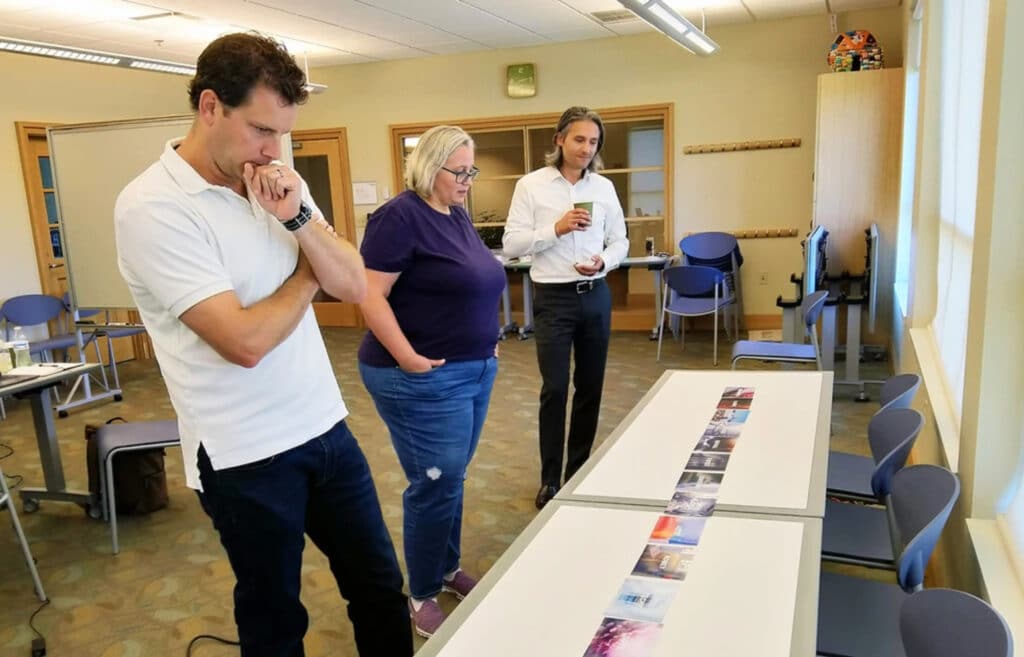
    We recently spent time with Jon Cameron and Sarah Bianchi from the Parkside Church Communications Team. The goal: to brainstorm and strategize for an upcoming website redesign. We’ve been partnering with Parkside for close to six years now. So this isn’t the first time we’ve visited them on site. But as we kick off a new project together, this on-site discovery meeting was as invaluable as it was with the first project.

    Let’s look at a few of the reasons why an on-site discovery meeting is such an important part of our process:

    On-site discovery provides an opportunity for stakeholders to come together and spend focused time on the upcoming project

    Clients usually have day-to-day responsibilities competing with new projects for attention. This can make it hard for them to give a new project the attention it needs to get started well. Scheduling an on-site brings together stakeholders from both the client organization and our team for focused workshop sessions.

    Setting apart this time and having the time and the capacity to focus on a project with an outside group actually helps us gain some new perspective. And it gives us the opportunity to think about our site in a way that—because we’re so entrenched in our own understanding of what our site needs to do—we are not able to bring an outside perspective. So it’s really helpful to have the Agathon team on site for that.

    Sarah Bianchi, Project Manager & Graphic Designer, Parkside Church

    It allows us to work through various discovery exercises together

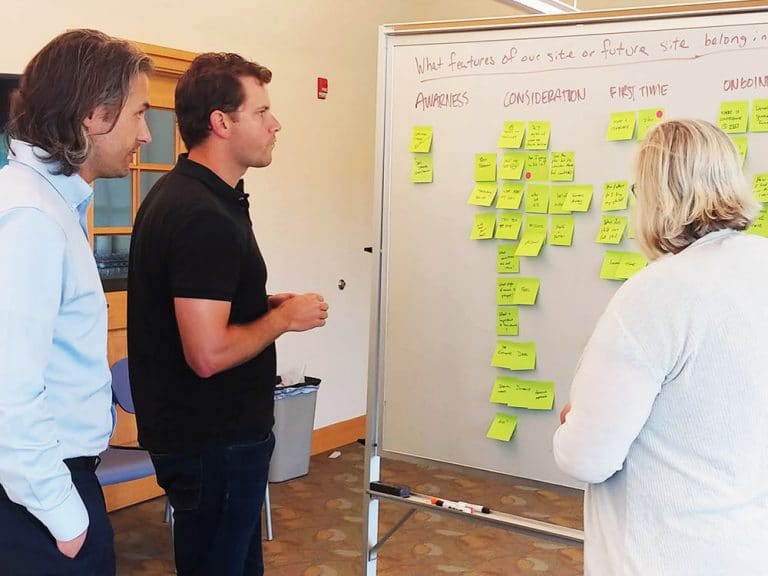
    Discovery often involves creating an empathy map, reviewing user personas, or refining a mood board. Whichever exercises we use, spending time in person and working through them together helps clarify and refine the vision for the project. Many also have a physicality to them—we’re arranging stickies on a wall or sketching wireframe concepts on paper. Sure, there are remote tools to help with these exercises. But in our experience, they just aren’t the same.

    It helps us share objectives, goals, and values at a deeper level

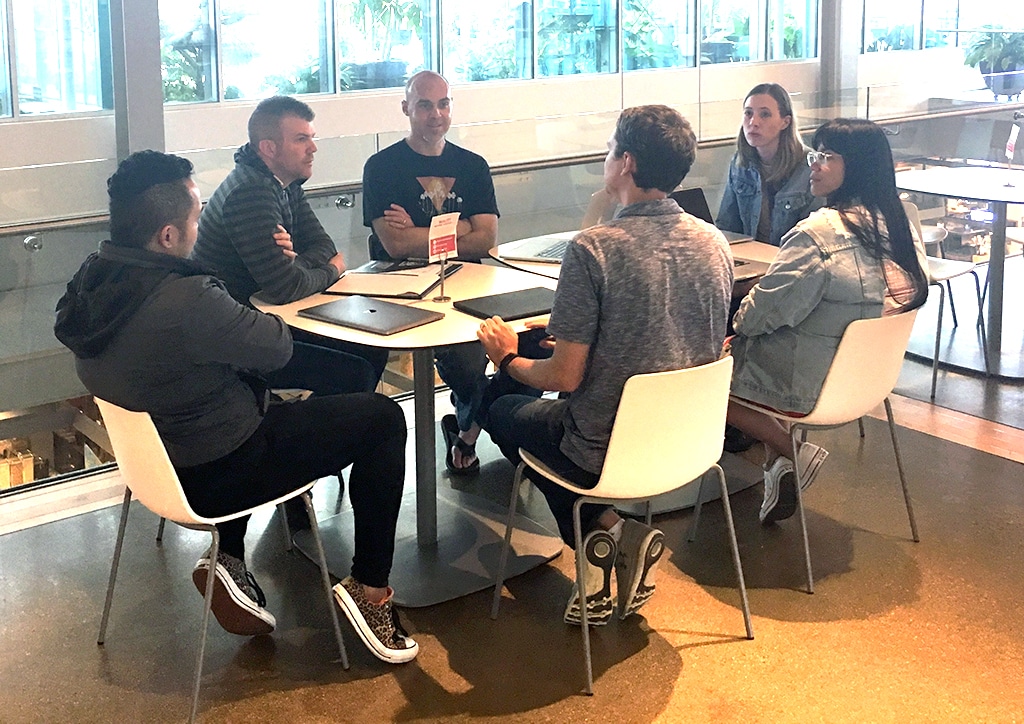
    Our team is fully remote. We believe you can communicate effectively even from a distance using tools like Slack, Google Meet, Basecamp, and email. But spending a day or two together in person allows for a deeper understanding than these asynchronous tools allow. While something like Google Meet or Zoom allows for a concurrent conversation, those calls tend to lack the quantity of time an in-person meetings allows for.

    This time together isn’t just about discussing goals and to-do lists for the project. It also gives us an intimate insight into what makes the organization tick. This allows us to better encapsulate who they are in the design and development phase of the project.

    And interestingly, what happens when we spend time on site with Agathon is that they understand us better and they’re able to make that web experience much more indicative of who we are as people—what we’re like, what we care about, and what someone who wants to engage in Parkside can expect and what they can look forward to.

    Jon Cameron, Pastor of Communications, Parkside Church

    On-site discovery provides an opportunity for us to set priorities together

    Again, you can set priorities through phone calls. But meeting in person lets us deep dive into those priorities over the course of a couple days. Together we identify primary, secondary, and tertiary concerns. That ongoing conversation allows us to ask questions and offer feedback in real time until we all agree.

    It helps us determine next steps with the client

    The final stage of an on-site discovery meeting is to determine next steps. By this point, we have a clear understanding of the objectives, goals, and values an organization has. And together we’ve created a priority list we can all agree on. In most cases, the next step is a detailed proposal based on the decisions we’ve made together during the on-site. Once that’s done, we can create a detailed proposal for wireframes, prototypes, and other milestones.


    On-site discovery meetings provide the foundation for a successful project. They allow our team to come together with product owners and stakeholders from a client organization to clarify the vision and goals for a project. Together we can make decisions about the work through exercises that will impact the design, usability, and function of a website or app.